A grocery list from your meal plan, in one place
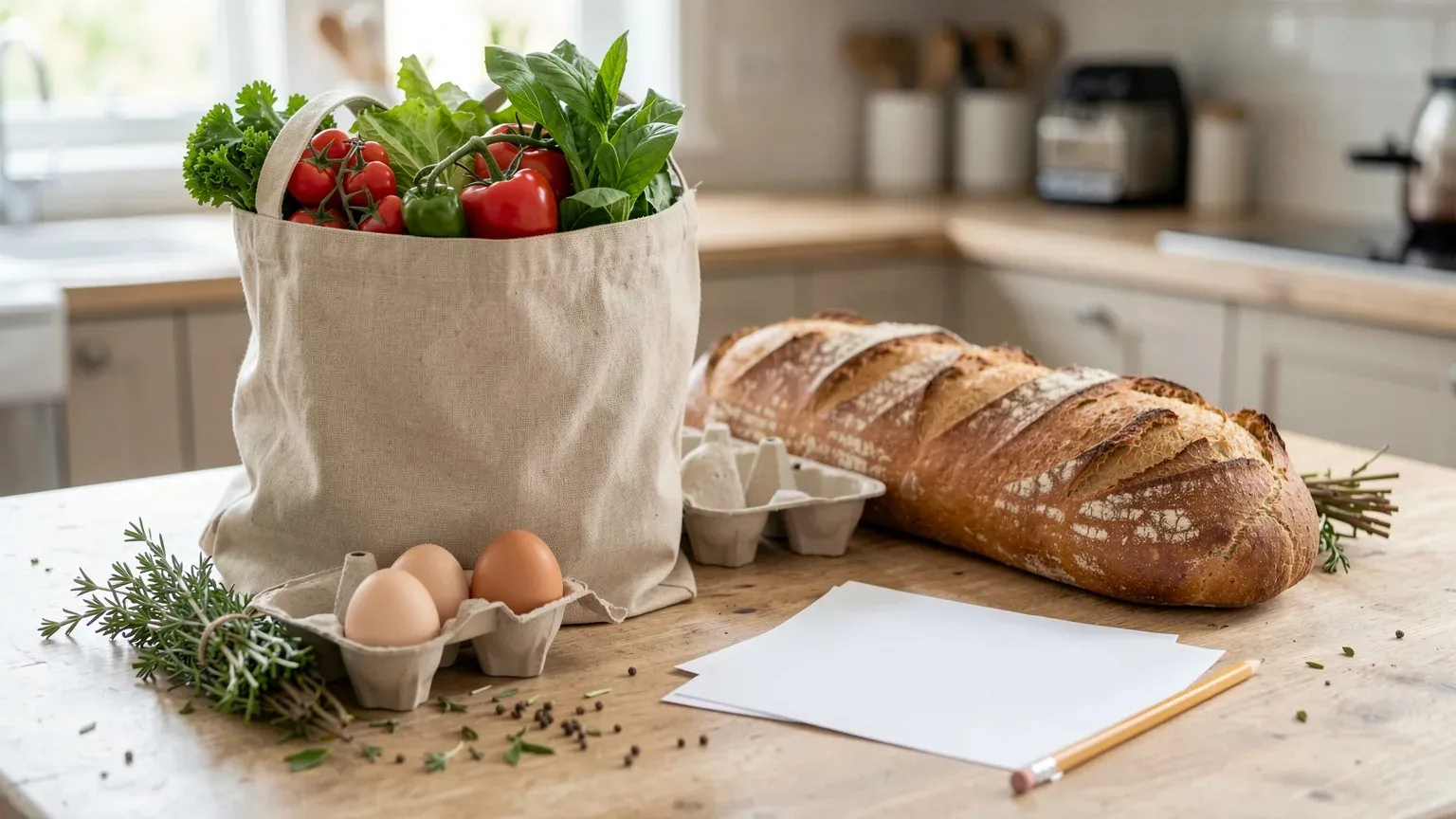
You get home from the store with a full bag and still realize you forgot the one thing the recipe needs. Or you open the fridge on Sunday and find half a bunch of cilantro gone slimy, bought for a dish you never made. Both come from the same gap: the shopping trip and the plan didn’t match.
A grocery list made straight from your meal plan closes that gap. Here’s why it helps, and how to make one that actually works.
Why shop from the plan
The EPA says about one-third of all food in the United States goes uneaten. Its advice for homes starts at the store: plan your meals for the week before you shop, and buy only the things those meals need.
That order matters. A list made from a plan has a reason behind every line. A list made from memory has “probably need” behind it, and that’s where the extra yogurt and the second jar of mustard come from.
It can save trips too. When the whole week is on one list, you can shop once instead of stopping by every other evening.
How to build a good list
If you do it by hand, a few habits make it work:
- Check your kitchen first. The EPA suggests looking in your refrigerator, freezer and pantry before you shop, so you don’t buy what you already have.
- Add up the amounts. If Monday needs half a cup of rice and Thursday needs a cup, the list should say one and a half cups, not two lines you have to reconcile in the aisle.
- Put quantities on the list. The EPA also suggests noting how many meals you’ll make with each item, so you don’t overbuy.
- Group by store section. Produce together, dairy together. You walk the store once, in order.
- Keep salt, oil and dried spices apart. You likely own them. Look once, and add only what’s running low.
It’s simple, but it takes a while with seven days of recipes and a pencil.
How it works in Nutramigo
Every plan comes with its grocery list, on the Groceries tab next to your meals. Nobody has to type it up.
- Added up for the week. The same ingredient from different meals becomes one line with one total. Half a cup plus a cup shows as 1½ cups. Amounts are shown in the units you chose, such as US or metric.
- Grouped by section. Produce, meat and fish, dairy and eggs, bread and grains, pantry, frozen and other, in the order you’d walk the store.
- Staples set apart. Things like salt, oil and dried spices go in a folded-away group called “Probably in your kitchen,” so they don’t clutter the list. Open it if you need to check.
- Tick things off as you shop. Items go in your basket, and a count shows how many are in it. Your check-offs are saved on the device you’re using.
- Copy the list. One tap copies what’s left, with amounts and sections, so you can paste it into a notes app or send it to someone else.
- It follows your plan. When you swap a meal, the list updates, so you don’t buy for a dinner you’re no longer making.
You can also ask Amigo for it. Type “what’s on my grocery list?” and he shows the summary, by section.
The amounts are estimates built from the recipes, so they’re a guide. If you have an allergy, read labels on everything you buy, even when the plan leaves allergens out.
A simple routine
- Before you shop, look in the fridge and pantry and tick off what you already have.
- Copy or open the list and shop once.
- Tick items off as they go in your basket, so you don’t double up.
- If plans change midweek, swap the meal and let the list follow.
If you ate something unplanned, log it instead of fixing the whole week.
Try it
Nutramigo is an invite-only beta. Join the waitlist below, and your next plan comes with the list already made.